
ReportNivo / Connections
Start with the sources you actually use.
Sample data · Example workspace
Campaign comparison
● Series A ● Series B ● Series C
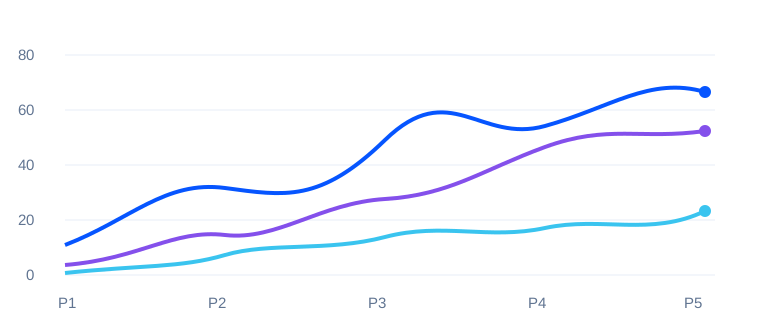
Invented numbers and periods; no customer or campaign is represented.
Source planning
Advertising
Analytics
Social channels
Spreadsheet
Illustrative signals
↗ Change needs context
○ Review the definition
△ Check the source
01
Inventory the source before planning a connection.
List the systems that hold the information relevant to the reporting question. Note the responsible owner, the useful fields and the period available. A source being mentioned in a plan does not mean it is connected or that access has been authorised. The channel labels in the illustrative dashboard are categories of potential sources, not activated integrations.
02
Agree the information boundary.
A reporting workflow should explain which data is necessary, who is permitted to retrieve it and which recipients may see the result. Avoid moving an entire dataset when a smaller reviewed summary can answer the question. Keep access and recipient decisions visible. Do not submit account credentials, client exports or sensitive business records through this informational site.
03
Check the result against the original.
After a separately authorised connection is implemented, compare a small known example with its source before trusting an aggregate. Record any differences in period, definition or missing records. An attractive dashboard is not proof of a reliable connection. ReportNivo currently has no verified operating integrations or connected marketing data on offer; implementation and validation are future work.